


Hello everyone 👋 I’m Kate Syuma, and welcome to Growthmates.news — the newsletter where we explore growth stories to inspire your professional and personal growth. Join the community of 6,500+ Product, Design, and Growth people from companies like Amplitude, Intercom, Miro, Atlassian, Grammarly, Framer, and more.
Most Product-Led Growth strategies still revolve around activating the individual user. One person signs up, discovers value, and starts coming back. But in products designed for collaboration, that's only half the story. If just one person gets value while the rest of the team remains passive, growth slows down, adoption stays shallow, and expansion rarely follows.
Enough ignoring 😉 After 6+ years working on Miro, I’ve seen how team activation can become a true growth engine. When teams experience value together through shared work, real-time collaboration, or even async coordination, the product becomes stickier, more visible across the organization, and more likely to expand organically.
Before we dive in… This post is brought to you by Softr — the easiest way to turn your data into powerful web apps, internal tools, or client portals. Their new Softr Databases let you build directly inside Softr — no need for Airtable, Google Sheets, or external sources. It's fast, flexible, and built for teams that want to move without friction.

In this post, I’ll break down things:
What Team Activation actually means — and how it's different from user-level activation.
How to define it and measure it in products where value depends on collaboration.
8 product strategies to drive Team Activation — with examples from collaborative tools like Miro, Notion, Loom, and more.

Now, let’s get right into it 👇
First, what is Team Activation?
If your product’s core value lies in collaboration, then activation should reflect that — not just at the individual level, but at the account (or team) level too.
User-level activation is about helping one person form a habit around your core value. This model works well for B2C or solo-use cases — the goal is to ensure each user independently finds value and keeps coming back.
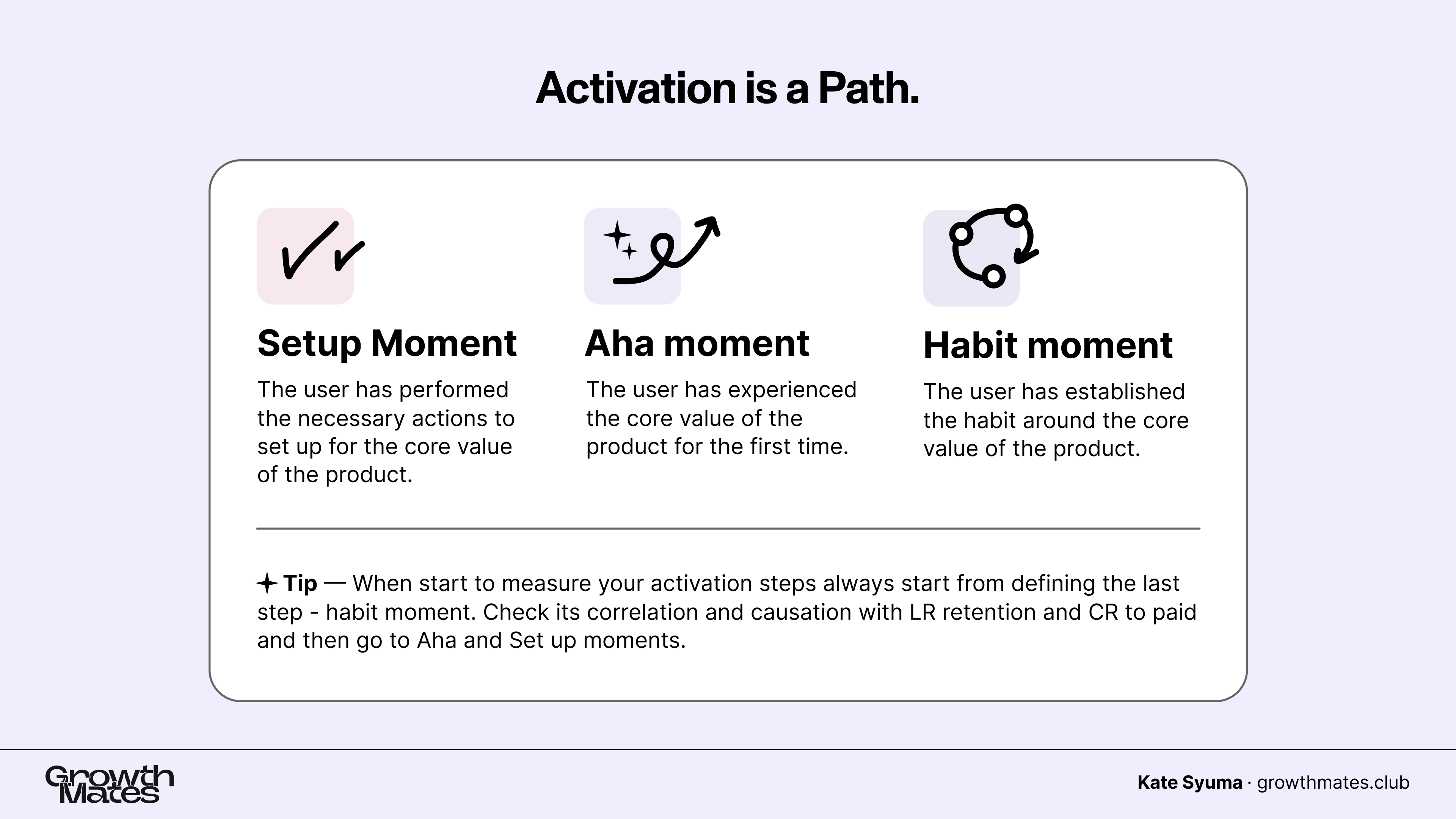
But in multi-player PLG, this is only half the equation.
Team-level activation means the team collectively experiences value. The product’s core promise is only realized when multiple people engage through shared workflows, feedback loops, or co-creation.
This means your activation journey — setup, aha, habit — should include collaboration milestones, not just individual actions.
📌 Example of Team Level Activation
Let’s take Notion as an example — a tool built for both individuals and teams.
A solo user might activate by creating a workspace, writing notes, or organizing personal tasks, but that’s an individual value. Team-level activation happens when the workspace becomes shared — when one person invites others, pages are co-edited, comments exchanged, and documents linked across a team’s workflows. That’s when Notion shifts from being a private tool to a collaborative hub.

📌 How to evaluate the Team as fully activated?
To evaluate team activation, you need metrics that capture collective behavior — not just one person’s journey.
For example, you might track:
The number of members actively engaging with shared pages;
The frequency of collaborative sessions (e.g. multiple people editing or commenting);
What type of diverse roles (e.g. creator, reviewer, reader) are involved in the same workflow.
A team might be considered partially activated if 2 or 3 members reach the aha moment, like editing or sharing content in a common space. However, full activation typically means a significant portion of the team contributes to or benefits from the product.
It’s not just about one champion getting value — it’s about building shared momentum across the team.
By the way…did you know that now I also have a course? 😉
If you're looking to take these insights further and build a growth roadmap tailored to your product, join the User-Centric Product-led Growth Course.
June cohort sold out, and the next one starts already in August. In just 3 weeks, you'll learn how to combine growth strategies, behavioral science, and real-world examples from Dropbox, Loom, Miro, Canva, and more. Plus, get feedback directly from me and bring your team along.

As a gift to dear readers, use promo code "growthmates" for $100 off and create a user-centric growth roadmap with feedback directly from me.
👉 8 Key Strategies to Drive Team Activation
1. Make Collaborative features clear in your positioning.
Miro is the top collaborative platform in the world. During my 6 years there, this was a key strategy — to show collaboration on every surface.

But even with this, many users still used it for personal tasks: individuals, small “teams of one”. This happens not just in Miro, but in any collaborative platform — Notion, Canva. Many people use these tools individually, though they are designed for teams.
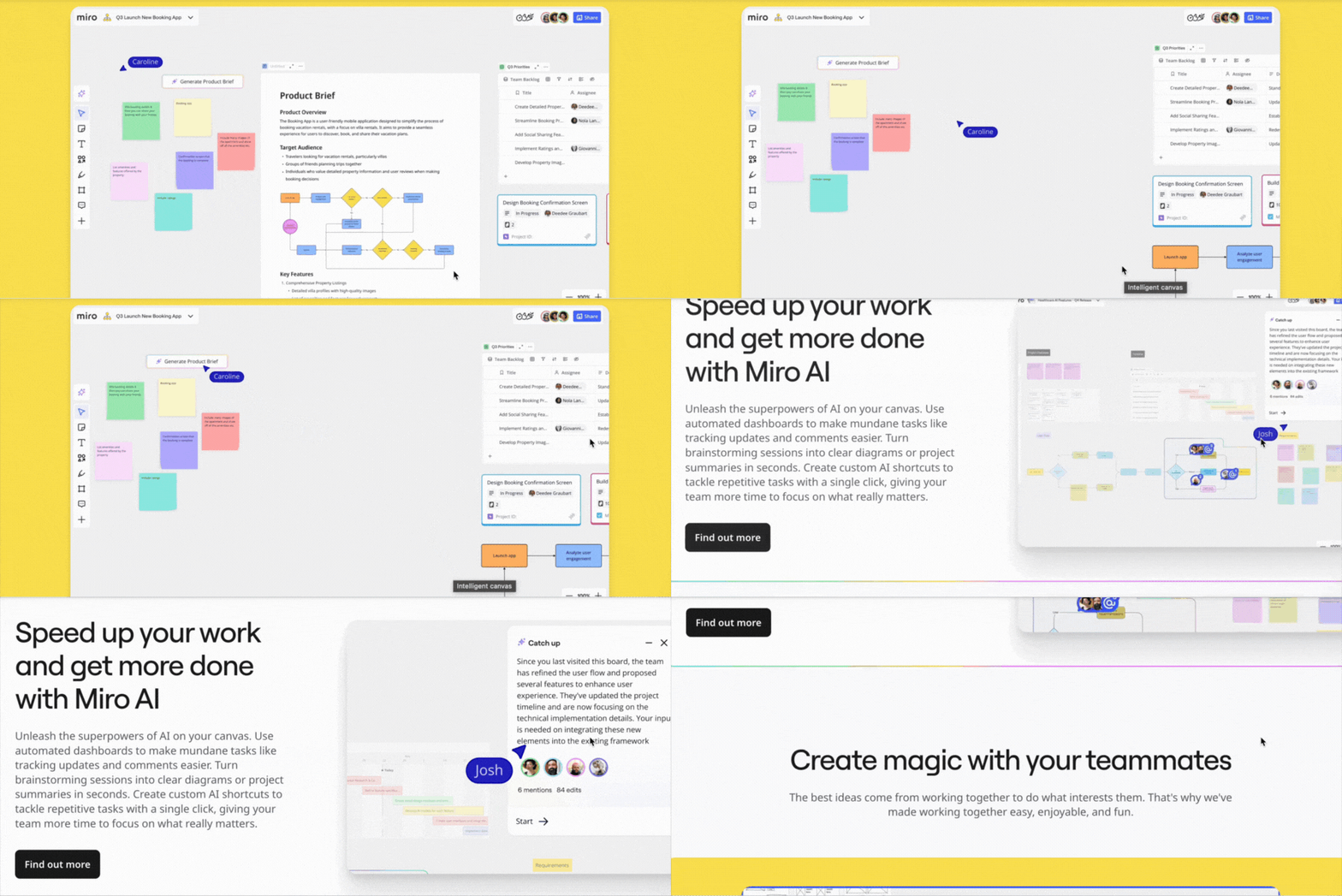
The goal is simple: from the first glance, users should understand that this isn’t just a tool for individual productivity — it’s a space where teams come together.
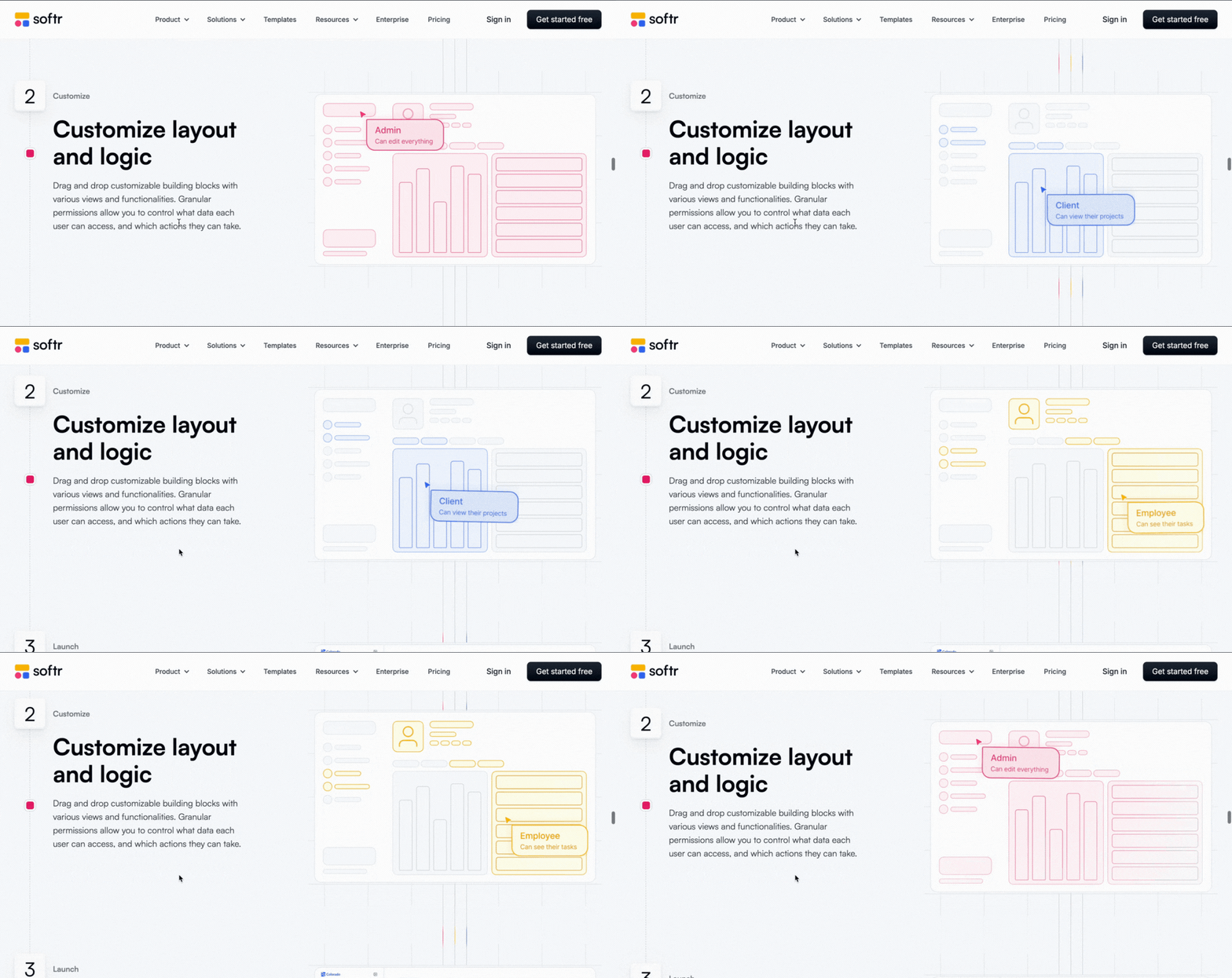
Softr is showing how different roles can collaborate inside the product already on the website. Nice how teams work together with different permission levels — and this is a good way to present the depth of collaborative capabilities.
✅ How to apply this:
Communicate early (on your website) that the product is for collaborative teams.
Show collaborative features everywhere: in product visuals and website copy.
Make it very clear that collaboration is the core purpose of the platform.
Highlight permissions and team structures as part of your product story.
2. Segment users by their intent: Personal vs Team.
Claude has a segmentation question: Personal vs Teams. A key strategy is to segment users early — personal vs team. For example, they ask this question to users, and it helps both with personalization and identifying PQLs for B2B use cases.
When you know early that a user wants to work with their team, you can guide them:
Give them more prompts to invite teammates.
Share content that supports team collaboration.

✅ How to apply this:
Identify “Personal vs. Team” intent as early as possible (e.g. through onboarding questions).
Make it easy for users to invite others right away (as the next onboarding step).
Remember: team activation often leads to stronger individual activation and retention. Imagine you receive updates from a teammate, and they prompt you to come back and use the tool more frequently and actively.
If the product is collaborative (like Miro or Notion), team members sharing content with each other create extra motivation and external triggers, making it more likely that users come back, check their teammates’ updates, and stay engaged.