


Hello everyone 👋 I’m Kate Syuma, and welcome to Growthmates.news — the newsletter where we explore growth stories to inspire your professional and personal growth. Join the community of 7,500+ Product, Design, and Growth people from companies like Amplitude, Intercom, Miro, Atlassian, Grammarly, Framer, and more.
Think about the last time you went through a product onboarding. Did you follow it step by step, or did you skip ahead, click around, get stuck somewhere and wish you could simply ask, “how do I actually do this?”
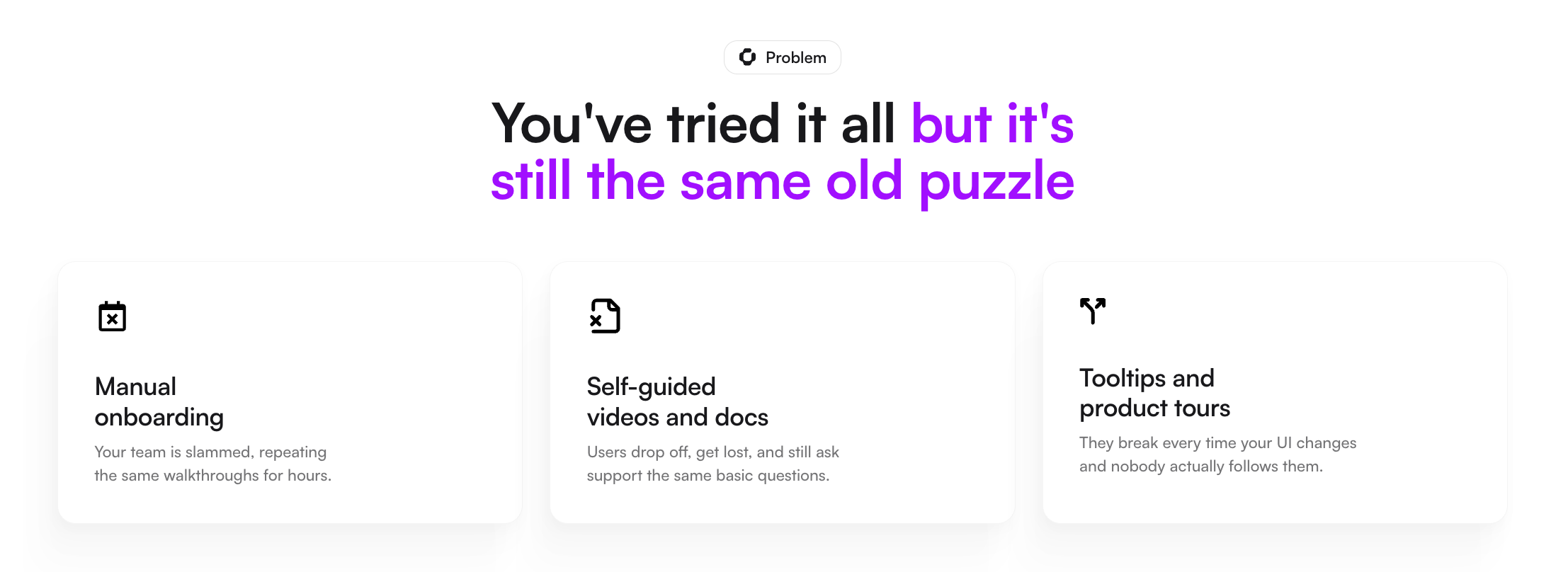
Most onboarding experiences are still designed as guided tours: linear, predictable, and carefully scripted. But real users rarely behave that way. They come in with different levels of context, move at their own pace, and are usually trying to accomplish something specific — not just learn the product for the sake of it.
So the more interesting question is not how to improve onboarding flows, but what happens when onboarding stops being a predefined sequence and becomes something closer to a real-time collaborator.
Today’s guest post is by Mantas Aleksiejevas, Founder & CEO at Cor, who shares what happens when that idea is put into practice with Voice AI onboarding.
Best way to support Growthmates? Explore more fantastic tools 👇
Framer — the fastest way to design and publish stunning websites (Growthmates.club is built on it).
Mobbin — the largest UX & UI reference library for deep product inspiration.
Obi by Cor — AI-powered onboarding voice assistant, I truly recommend.
Magic Patterns — The fastest way to prototype and test new features with AI.
Now, let’s dive into today’s story 👇
What you’ll learn today:
Today, we’re breaking down what actually happens when onboarding is powered by Voice AI — based not on assumptions, but on real user behavior:
Why users treat Voice AI onboarding more like a live CSM conversation than a product tour;
How onboarding shifts from passive learning to real work (and why that changes everything);
The role screen awareness plays in driving deeper engagement and faster setup;
The kinds of questions users actually ask — and what that reveals about their intent.
Now, let’s dive into today’s story 👇
Introducing Mantas Aleksiejevas
Mantas builds Voice AI onboarding infrastructure — tools that let SaaS companies replace generic product tours and CSM calls with a real-time voice AI that knows your product inside and out. After shipping this to real users, Cor ran structured user research to understand how people actually behave when voice AI is their onboarding guide. What they found challenged almost every assumption the team had going in.
When onboarding meets reality: what Obi by Cor uncovered
For the past year, the team behind Cor has been exploring a simple but important question: what happens when you replace static onboarding flows with a voice AI agent that understands the product inside out, can see the user’s screen, adapts to their needs, builds a personalized plan, and guides them through it in real time?
They didn’t just speculate — they built it, shipped it, and closely observed how users actually interacted with it in practice.
What they found was unexpected. Not because the results were strong (they were), but because user behavior didn’t align with many of the assumptions that traditionally shape onboarding design.
What is Voice AI onboarding, anyway?
Before we get into the data, a quick orientation.
Voice AI onboarding combines three things into a single guided experience: real-time conversation, screen awareness, and deep product expertise. Think of it as a CSM who is always available, never in a meeting, has read every page of your docs, and can see exactly what the user is looking at.
At Cor, Obi deploys in three ways: running onboarding end-to-end for SMB accounts (CSMs only step in when the data tells them to); covering the procedural work between calls for enterprise teams so CSMs can focus on strategy rather than screen-sharing through settings; and handling the ongoing end-user training that enterprise CS teams are frequently asked to deliver.
What we didn’t expect was how users would engage with it.
Finding 1: Users engage like they’re talking to a human
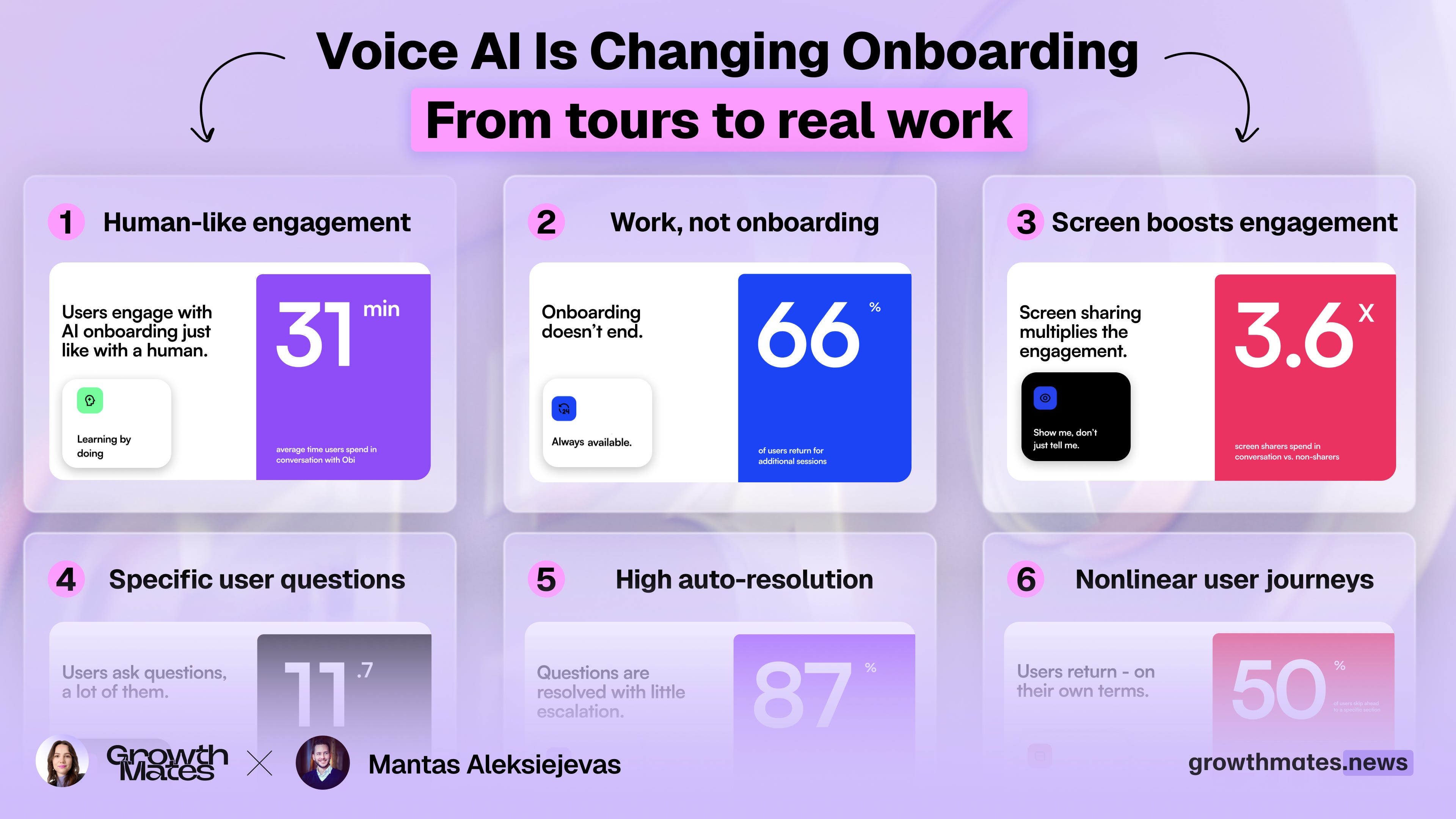
The average user spends 31 minutes with Obi across multiple sessions. That’s not a quick click-through — that’s the kind of time you’d spend on a proper onboarding call with a CSM.
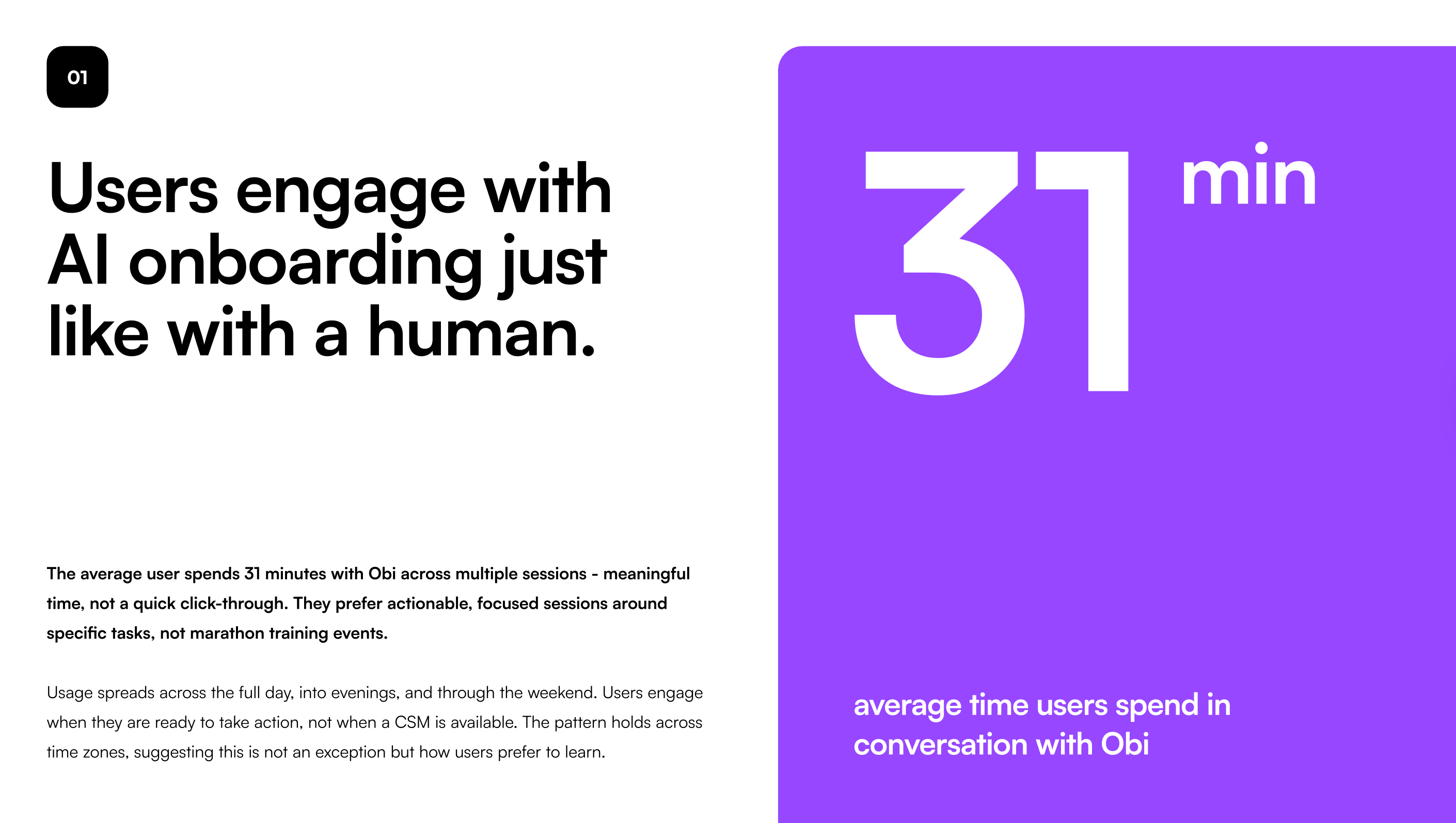
And usage doesn’t cluster around business hours. It spreads across the full day, into evenings, and through the weekend. Users engage when they’re ready to take action, not when a human is available. The pattern is consistent across time zones, which tells us this isn’t an edge case — it’s how users actually prefer to learn.
The old model of “schedule a kickoff call” assumes the user’s readiness fits your calendar. It doesn’t.
Finding 2: They’re not following the guide — they’re getting real work done
This one really shifted our thinking. Users don’t treat Obi as a tutorial to sit through. They configure their product, troubleshoot live issues, connect integrations, and build automations — all within the same session.
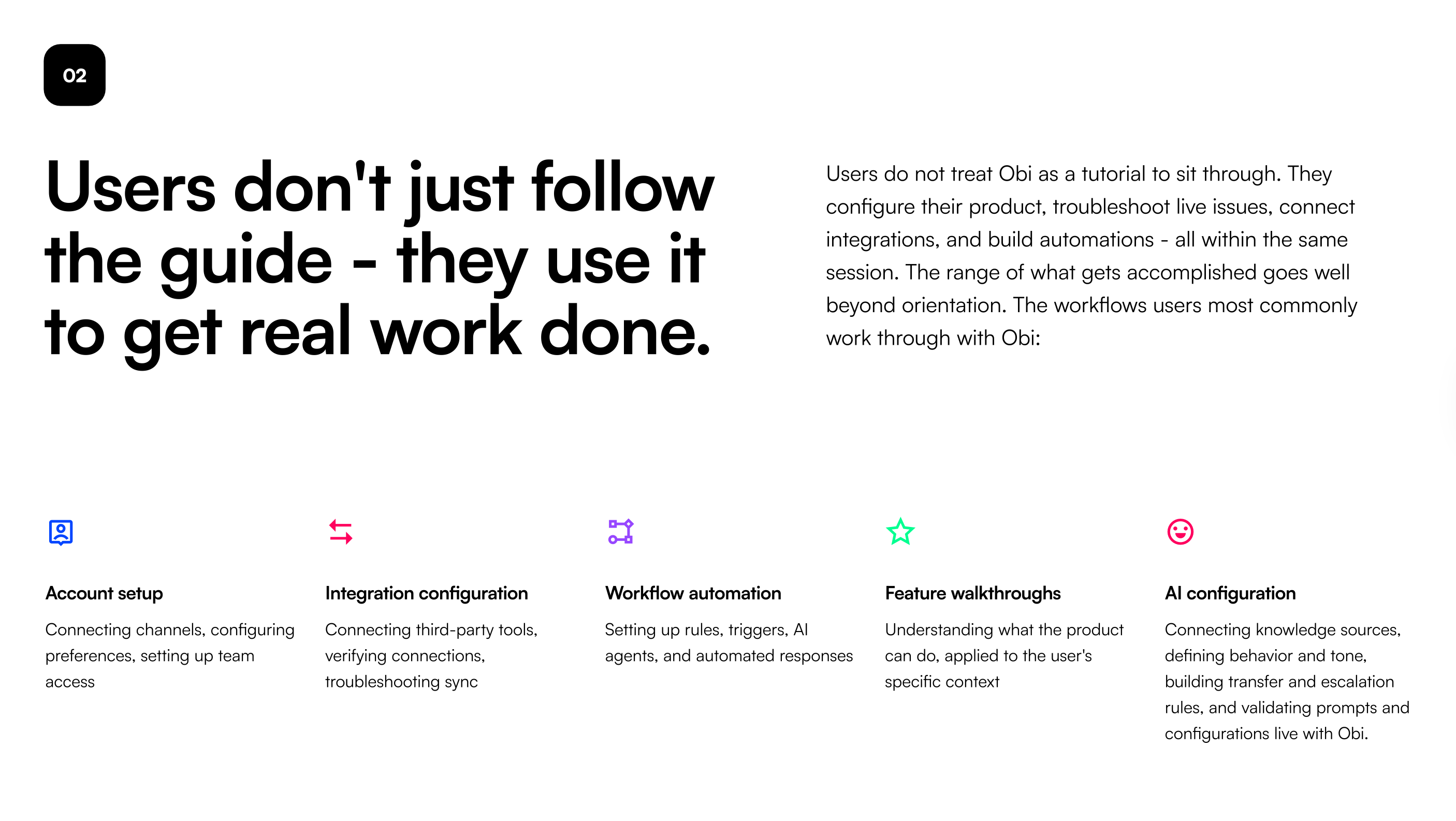
The most common workflows users complete with Obi:
Account setup — connecting channels, configuring preferences, setting up team access;
Integration configuration — connecting third-party tools, verifying connections, and troubleshooting sync;
Workflow automation — setting up rules, triggers, AI agents, and automated responses;
Feature walkthroughs — understanding what the product can do, applied to their specific context;
AI configuration — connecting knowledge sources, defining behavior and tone, validating prompts live.
This is not orientation content. This is work. The line between onboarding and product usage dissolves when the guide can actually do things with you. Below, you can watch a short demo of Obi by Cor in action.
Finding 3: Screen sharing multiplies the engagement — by a lot
When users share their screen, they spend 3.6x longer and ask 3x more questions.
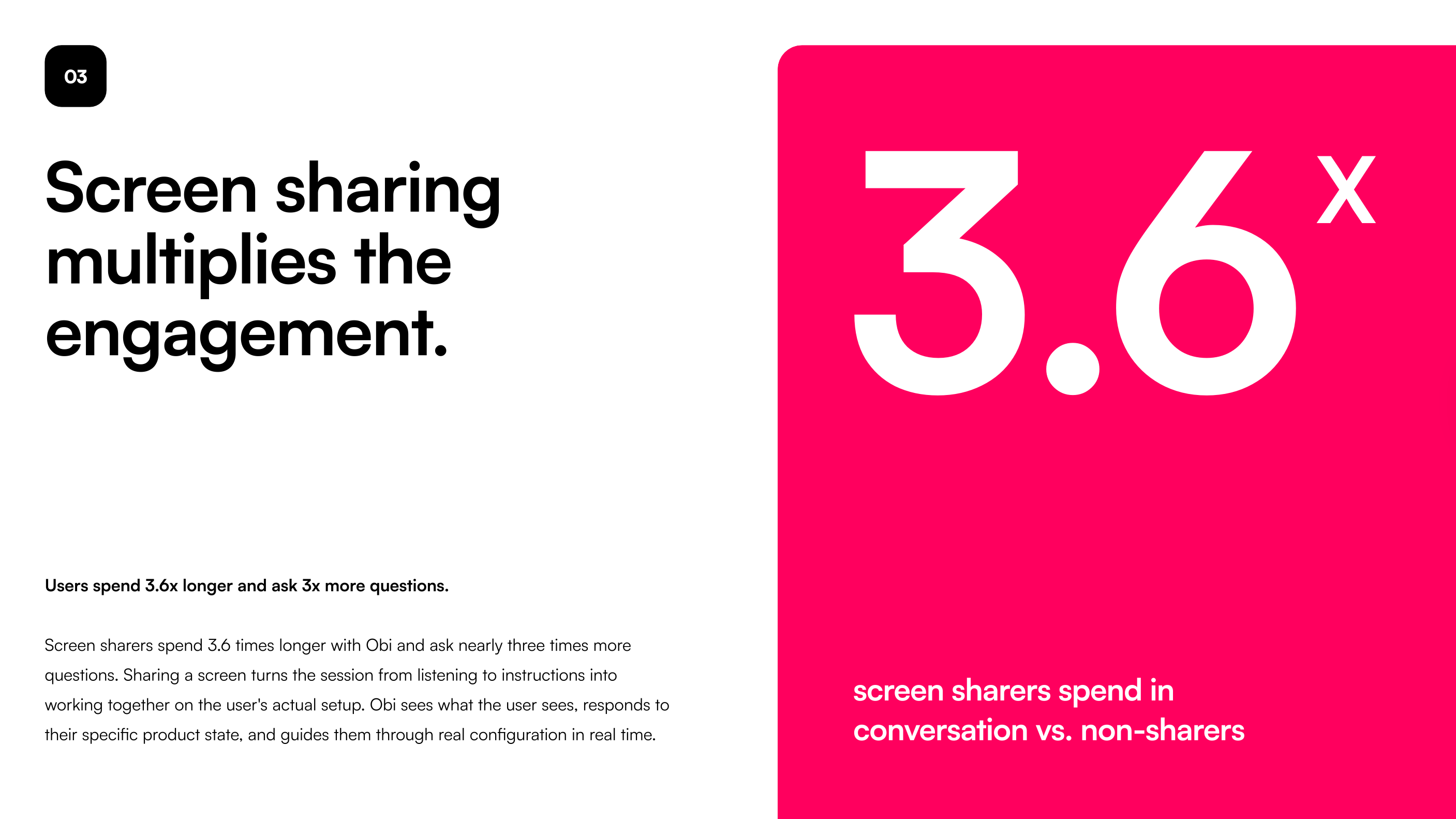
This makes intuitive sense once you see it. Sharing a screen turns the session from “listening to instructions” into “working together on your actual setup.” Obi sees what the user sees, responds to their specific product state, and guides them through real configuration in real time — not a generic script.
The implication for onboarding design is significant. Screen awareness isn’t just a nice-to-have feature; it appears to be a core driver of session depth and task completion.
Finding 4: Users ask a lot of very specific questions
The average user asks 11.7 questions. 92% ask at least one. And these are not generic queries.
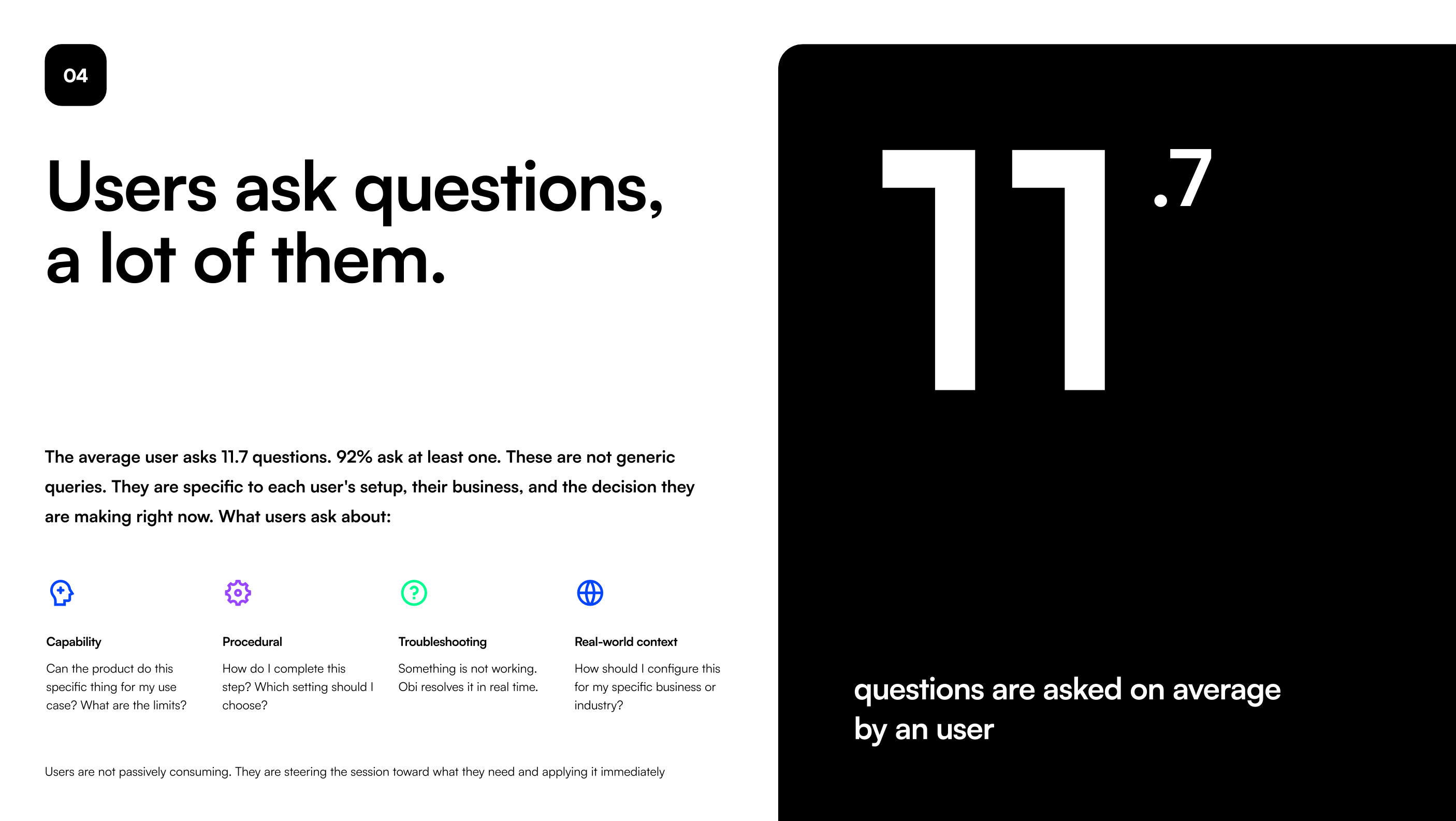
They fall into four categories:
Capability — Can the product do this specific thing for my use case?
Procedural — How do I complete this step? Which setting should I choose?
Troubleshooting — Something isn’t working. Obi resolves it in real time.
Real-world context — How should I configure this for my specific industry or business?
Users are not passively consuming. They are steering the session toward what they need and applying it immediately. This is exactly what a good CSM call looks like — but at scale, and on the user’s schedule.
Finding 5: 87% of questions get resolved without escalation
87% of questions are resolved without involving a human. The 13% that escalate are genuine edge cases: niche admin settings, account-specific billing issues, and configurations that require offline setup.
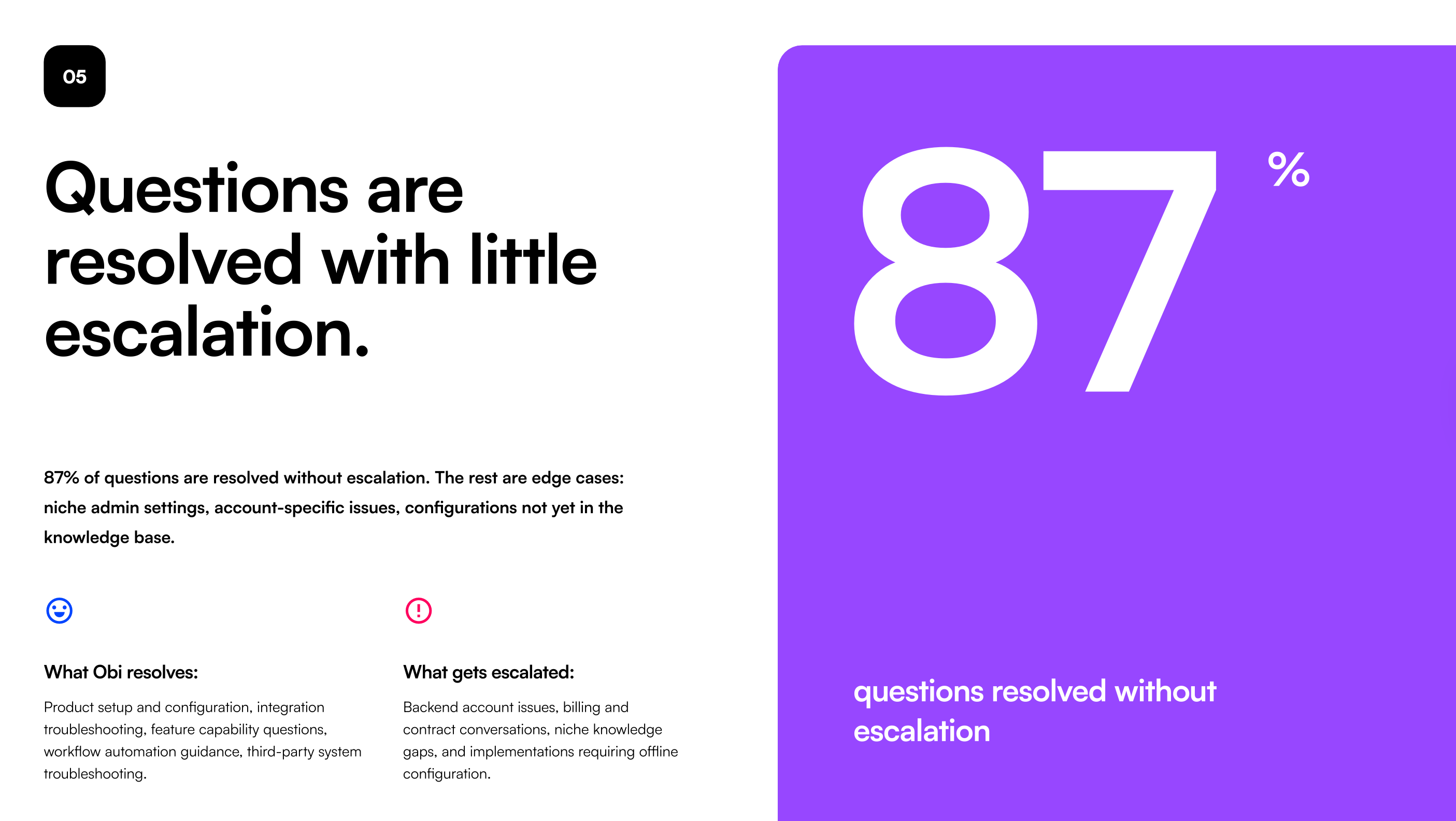
What Obi resolves autonomously: product setup, integration troubleshooting, feature capability questions, workflow automation guidance, third-party system troubleshooting.
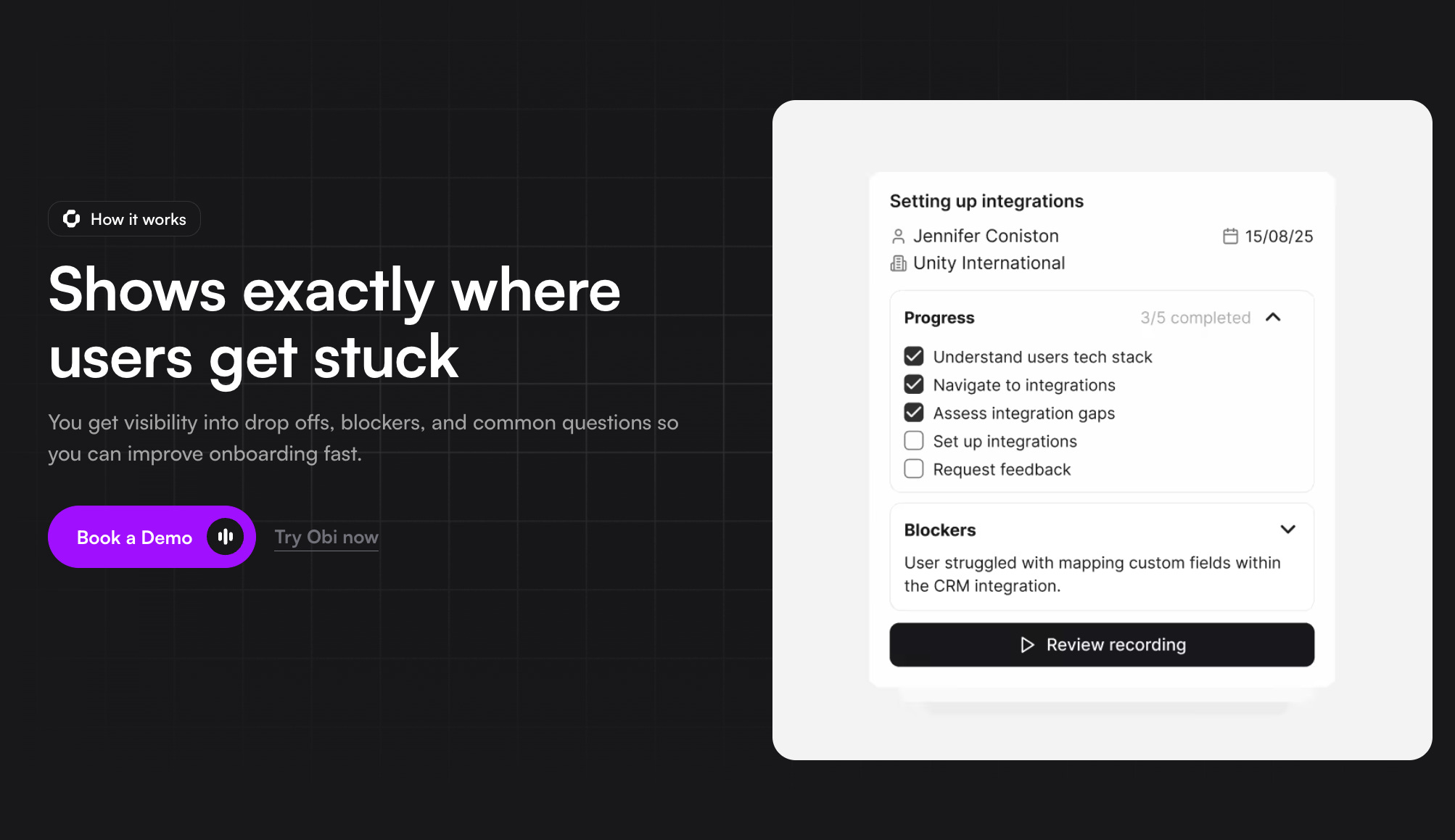
For teams worried that AI onboarding means worse outcomes — the data doesn’t support that fear. The bottleneck was never human intelligence; it was human availability.
Finding 6: Users don’t start from the same place — and they don’t want to
50% of users skip ahead to the section they need. 38% open with their own question rather than following the default flow.
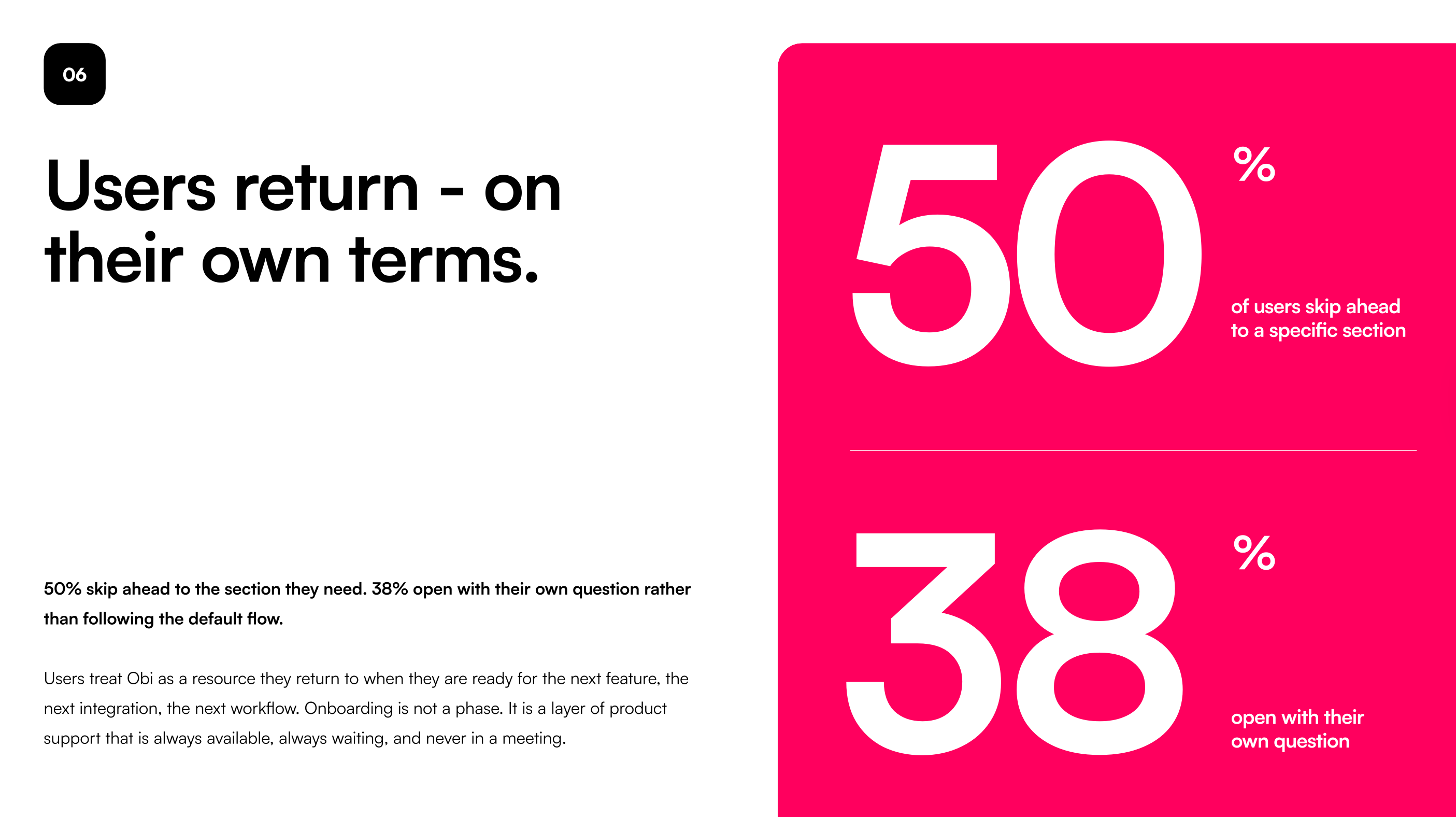
Starting points vary wildly. Some come in completely from scratch. Others have already poked around and just need help with one specific thing. Others arrive with a precise use case and want to go straight to configuring it. Same product, same onboarding tool — three completely different journeys.
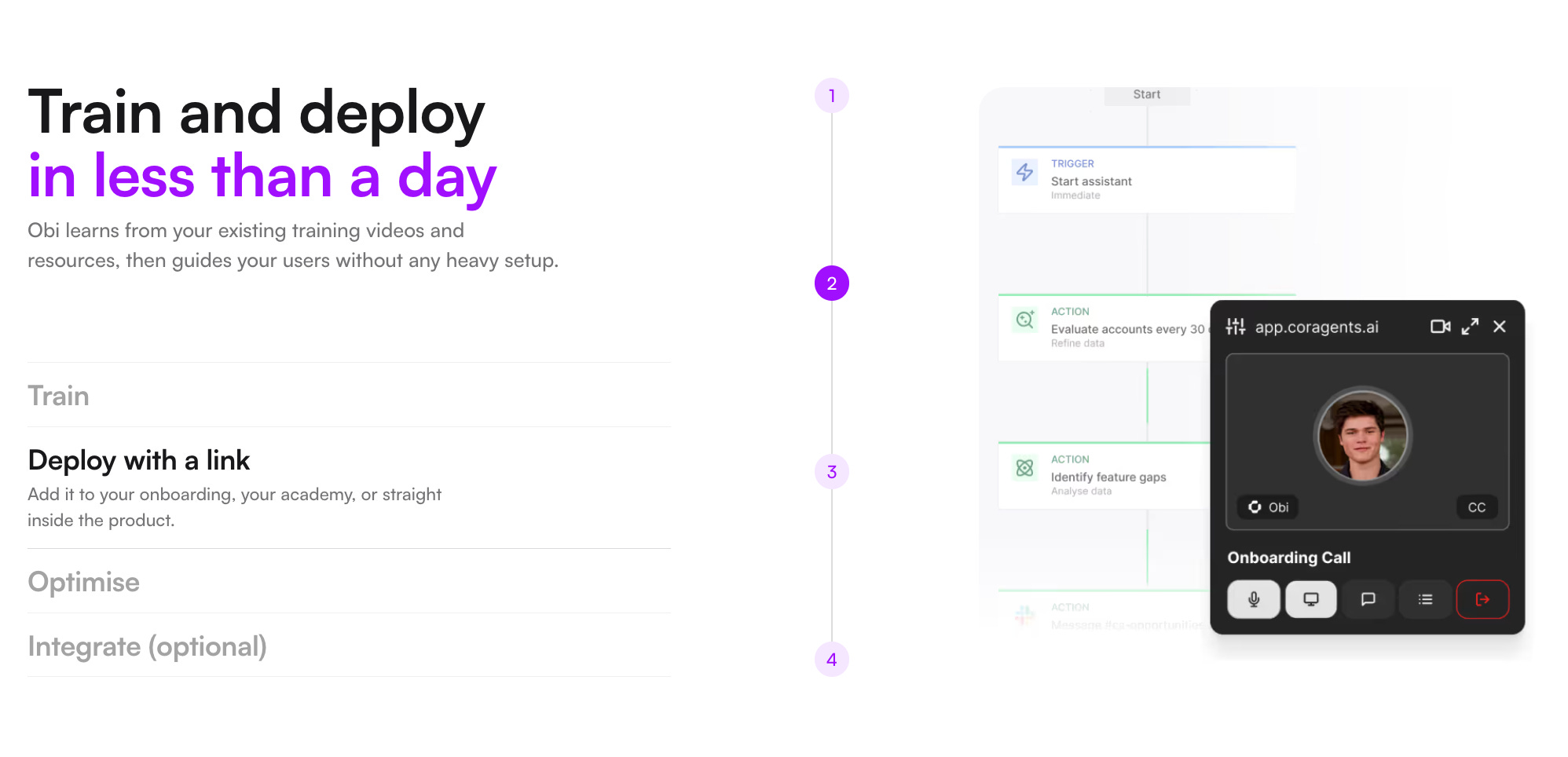
This challenges one of the most persistent assumptions in SaaS onboarding: that training is linear and best delivered through a structured, one-size-fits-all program. Users want to start where they are, move at their own pace, and return when they’re ready for the next step. The right question isn’t “did they finish the onboarding?” — it’s “can they always find a solution to what they need, when they need it?”
What this means for onboarding design
In my previous post, I outlined how onboarding methods have evolved — from static tooltips to personalized product tours, and from scripted chatbots to AI support agents that can actually take action. Voice AI feels like the natural next step in that progression.
But the shift isn’t just a better delivery mechanism. The data suggests it’s a fundamentally different model:
From synchronous to async — users learn when they’re ready, not when you’re available;
From scripted to conversational — users steer the session, not the other way around;
From passive to active — onboarding and doing collapse into the same experience;
From phase to layer — onboarding doesn’t end; it’s always there when users need it.
If almost half of your users are skipping to specific sections and asking their own questions from the start, they’re telling you something: they don’t want a tour. They want a colleague who knows the product and has time for them right now.
Then “Voice AI” is the first onboarding method that can actually be that.
👉 Try Obi by Cor and get extra usage credits if you mention my name 😉
This is all for today, dear readers. If you found this helpful, please share your reaction and leave some comments 💜 It would give huge support for me to continue creating this!
If you find this newsletter valuable, share it with a friend, and consider subscribing if you haven’t already. There are some discounts available, and maybe you can expense this :)
Connect with me on LinkedIn and learn more about my work on Growthmates.club.
With best regards,
Kate Syuma